Apps
How to download Google Files manager and free up space on your phone
See how to download and use the app and put an end to your smartphone crashes
Advertisement
Learn how to manage your files with the Google Files app
If you're an Android device user, you know how challenging it can be to manage your device's storage space, right?
Fortunately, Google offers a very useful solution: Google Files. With the platform, you can easily manage and organize your files, as well as enjoy other useful features.
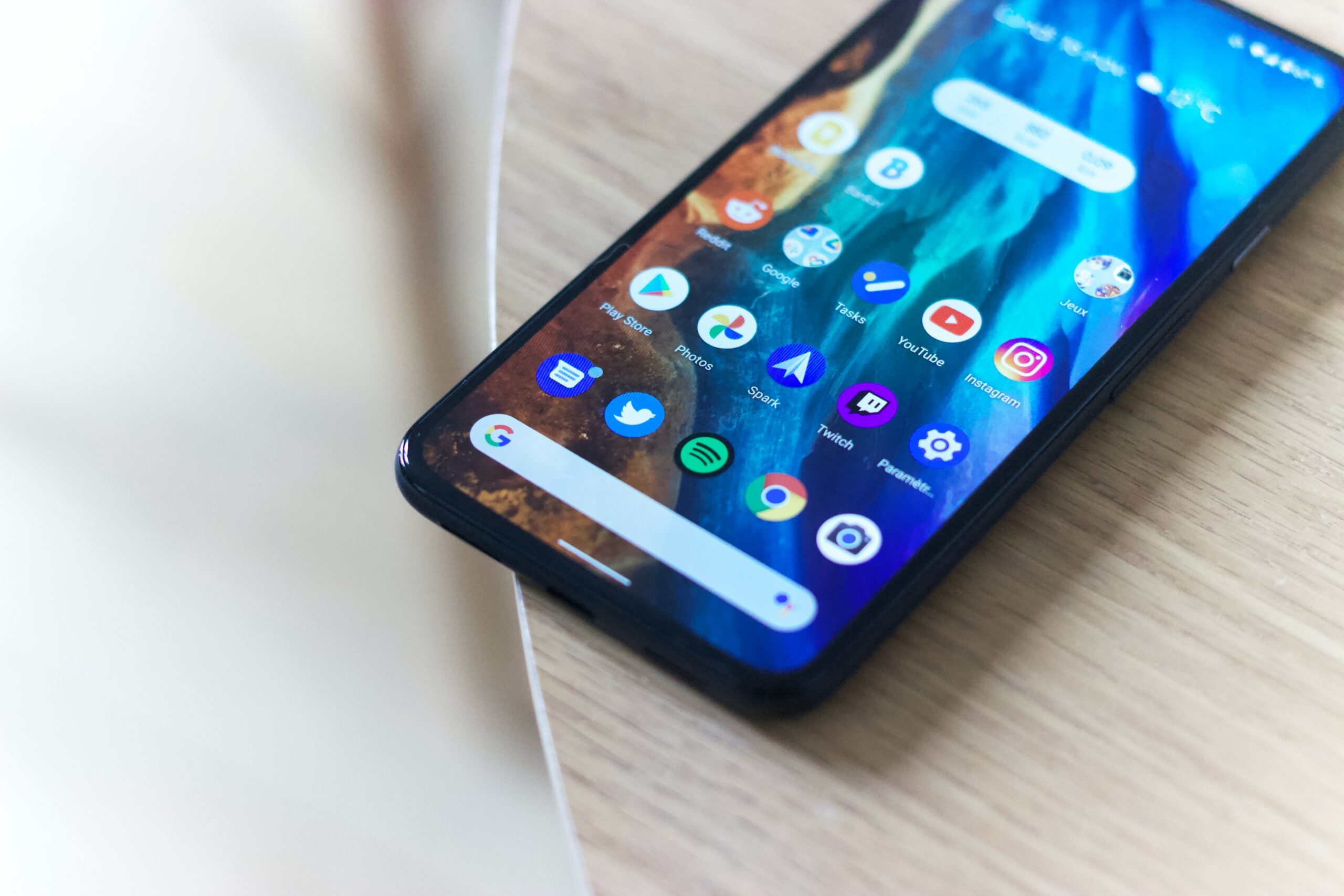
In today's post, we'll show you how to download and use the app so you can take advantage of all its advantages.
So if you're ready to start managing your files efficiently and freeing up space, read on to find out everything you need to know about Google Files!
How to create a Google account and download the app
The app is a file management platform that helps you free up storage space on your Android system device. To download the app, you first need to have a Google account. If you don't have a Google account, create one before proceeding:
- Open the browser of your choice and access the Google website by typing “www.google.com” in the address bar.
- On the Google home page, click the “Sign in” button in the top right corner of the screen. On the next page, click “Create Account” to begin the process of creating a new account.
- After filling out the form, click “Next” and follow the additional instructions to complete creating your account. You may need to verify your phone number to complete account creation. After that, your new Google account will be created.
Now download the app
- Open the Play Store on your Android device. This is usually available on your device's home screen or applications menu.
- In the Play Store search bar, type “Google Files” and press the search button. This will display a list of related apps.
- Select the “Google Files” app from the list of search results.
- Click “Install” to start downloading and installing the app. Wait a few minutes for the download to complete and the platform to be installed on your device.
How to use the app
When you open the app, you will see the main page that lists all the files stored on your device. Swipe up and down the list to browse the files.
The application offers several options for managing your files, such as “Cleanup”, which allows you to identify and delete unnecessary files, and “Share files offline”, which allows you to send files to other Android devices without needing an internet connection. To access, tap the menu button in the top left corner.
Google Files also offers a backup function that allows you to back up your important files to the Google Drive cloud.
To back up your data, click the menu button in the top left corner of the screen and select the option named “Backup”. Then follow the on-screen instructions to set up your files to be backed up.
If you liked and learned from the tips, don't forget to visit other content full of information like this:

Trending Topics

Discover how to create fun stickers on WhatsApp!
Discover how to create WhatsApp stickers in a creative, simple and practical way! Use personalized stickers with your friends!
Continue lendo
How to buy your tickets in the Booking app?
Find your flight tickets and your perfect stay using the Booking app! So you book safely in over 70 countries!
Continue lendo
Discover the secrets to getting free diamonds in Free Fire
Find out how to get free diamonds in Free Fire with our valuable tips! See third-party apps and more!
Continue lendoYou may also like

Best apps to watch TV online anywhere!
How about watching your favorite TV shows online on your cell phone just using apps? See live news, games, movies and more!
Continue lendo
See satellite photos on your phone with the best apps
With the help of satellite viewing apps, it is now possible to access this information more easily and efficiently than ever before!
Continue lendo
Watch La Liga Online: The Best Streaming Services to Watch Wherever You Want
Find the best platforms to watch La Liga games live. Don't miss any action from the Spanish championship. Check it out now!
Continue lendo


