Apps
See apps to put photos with music on WhatsApp status!
Do you want to increase your popularity on your WhatsApp and attract the attention of your contacts? So start posting amazing photos with background music!
Advertisement
Check out an easy way to make your photos even more attractive and catch the attention of your contacts!
Unlike apps like Instagram and Facebook, on WhatsApp it is not possible to automatically post a photo with music in the status. But, with some apps, you can easily do it!
So, you can edit your photos in one place and even add background music, reducing your work and helping to make your photo much more eye-catching!

It is very easy to use, as the apps were developed to be intuitive and simple. In other words, you don’t need to be an editing professional! See some options below.
Apps to post photos with music on WhatsApp status!
Here we have selected some app options that will transform your photos and make you more popular among your friends.
See now the best apps to edit your photos and add music to your WhatsApp status.
iMovie
First of all, iMovie is an iOS-only app. Although it is best known for video editing, it also allows you to create slideshows with music using your photos.
Furthermore, it also offers a variety of transitions, effects and music so you can improve your projects.
It's a free app that comes pre-installed on most Apple devices. That's why it's an excellent option for putting music on your photo and posting it on your WhatsApp status.
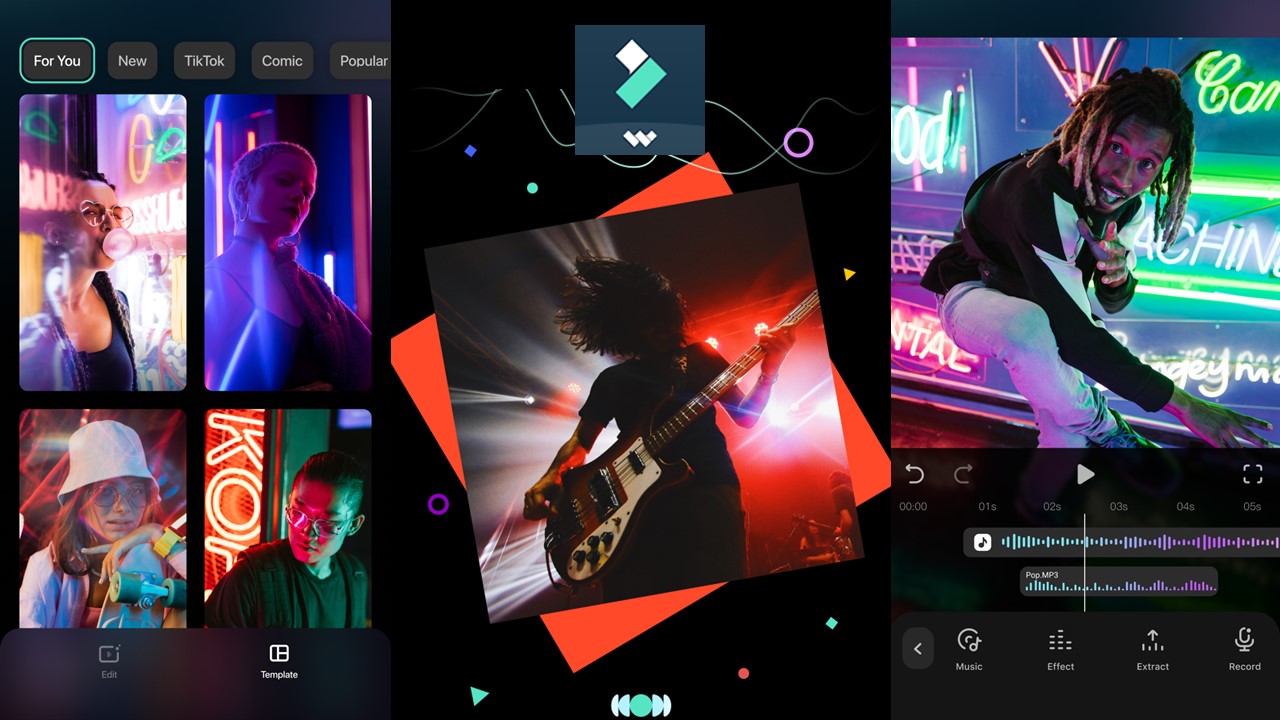
FilmoraGo
FilmoraGo is a video editing app with a simple and super easy-to-use interface. It lets you add music to your photos and create animated slideshows.
So you can choose from multiple songs and add transitions and effects to personalize your photo or project.
Pixgram
Pixgram is also a great app for adding music to the photo you want to post on your WhatsApp status. It is an app designed specifically for creating videos from photos with background music.
Therefore, it offers a variety of transition styles and effects to make your slideshows more attractive.
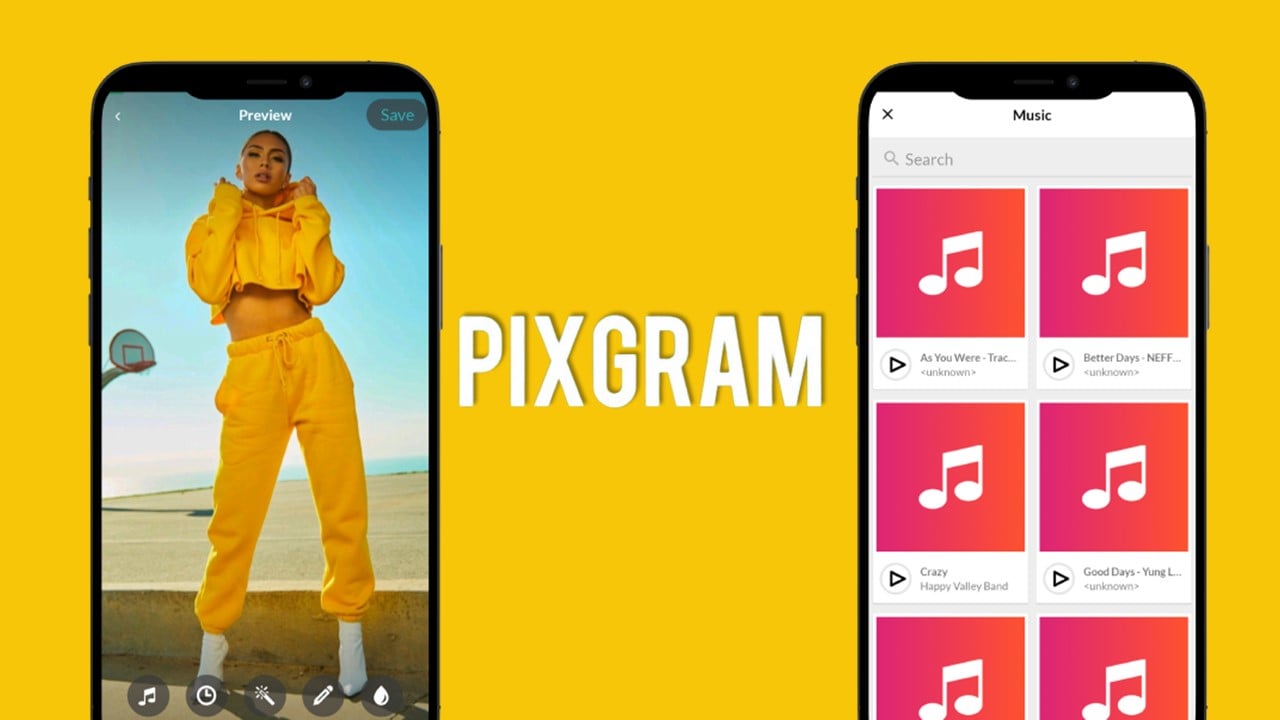
Photo Video Maker
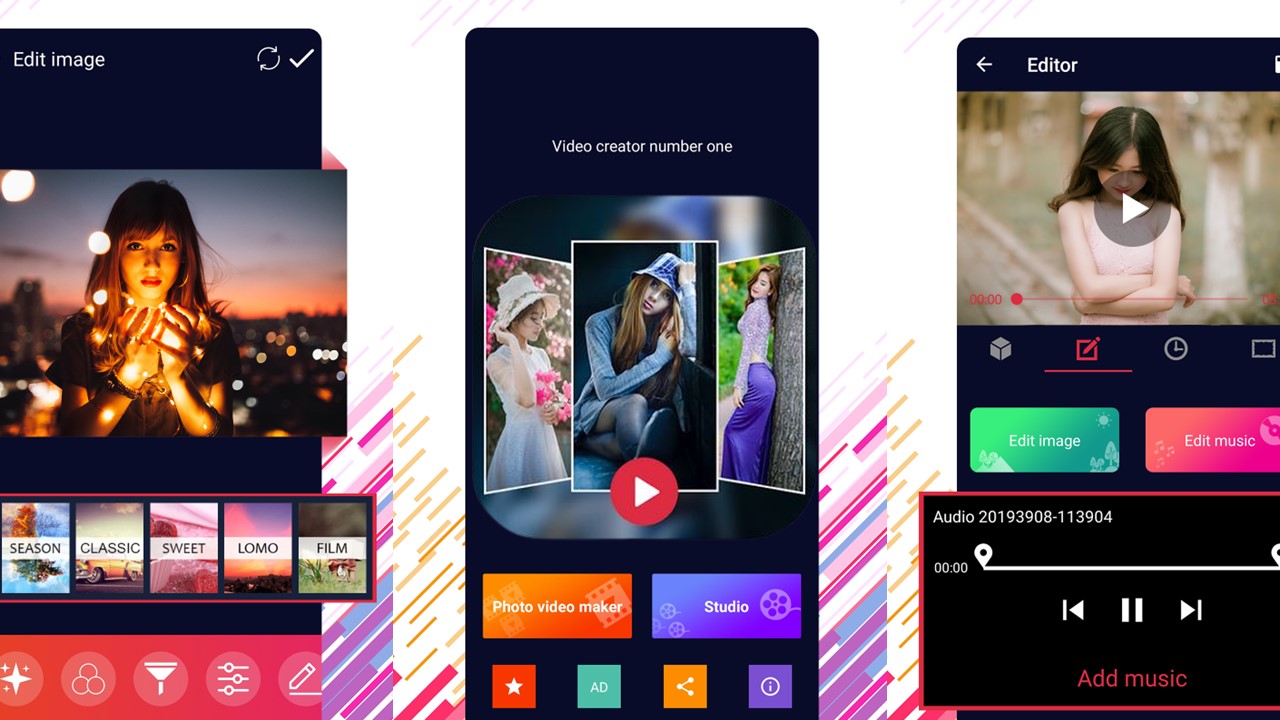
This is an app that allows you to create photo videos from your images. You can add background music and choose the duration of each image in the video.
It's a super simple option that helps you create slideshows very easily!
It helps you enhance your photos however you want, it even adds the music of your choice for you to post on your WhatsApp status.
Canva
Finally, Canva is mainly known for being a graphic design platform, but it also offers video editing features.
Therefore, you can use Canva to create photo videos with music by adding popular images, text, and music.
This is an excellent option for creating attractive and fresh visual content for all types of audiences. So, your photo with music on your WhatsApp status will be something new for those who follow you.

Trending Topics

Gol Linhas Aéreas: cheap flights up to 12x!
Gol Linhas Aéreas offers an app that gives you several opportunities to save when buying tickets to travel!
Continue lendo
Most downloaded apps for eye exams!
Do you feel the need for an eye exam, but don't have time to go to the doctor? The apps we have selected can help you with this!
Continue lendo
Piano Apps: The fun way to learn to play
With the help of certain apps, it's super possible to learn to play the piano in an easier and more fun way! Check out what they are.
Continue lendoYou may also like

How to apply for Coca-Cola jobs to have more chances?
Discover how to apply for job openings available at Coca-Cola, with benefits for health, well-being and development.
Continue lendo
Skincare: The Ultimate Guide to Skincare Apps
Explore different apps, each with specific features like personalized analysis and skin diagnostics.
Continue lendo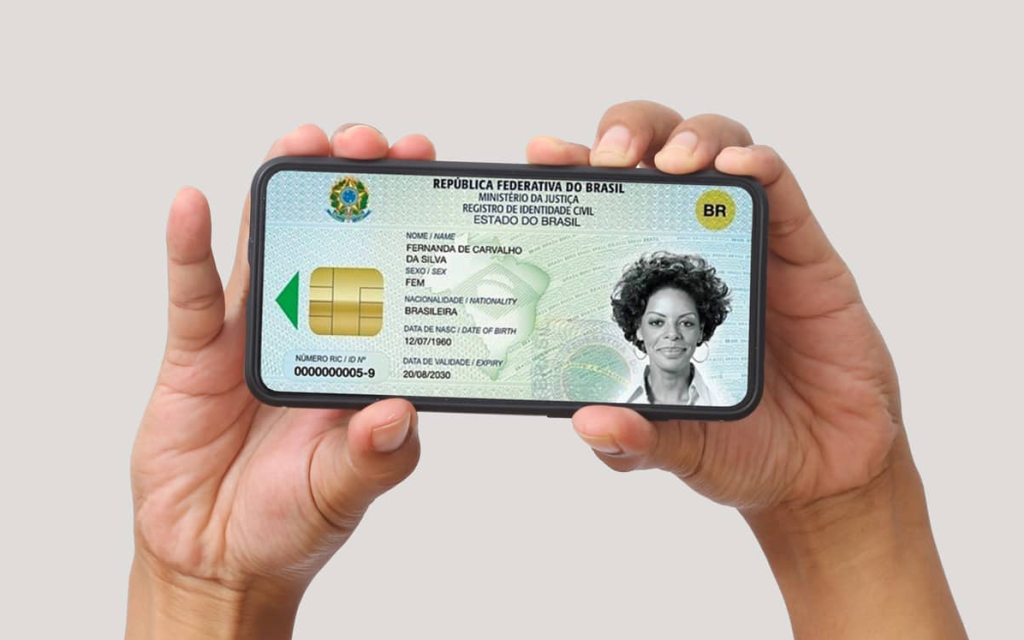
RG Digital – Find out how it works and have it on your cell phone!
Learn all about having a Digital ID on your cell phone and all its greatest benefits right in the palm of your hand!
Continue lendo


