Apps
RG Digital – Learn right now how to install it on your cell phone!
Learn quickly and easily how to download your Digital ID on your smartphone. Check out.
Advertisement
Follow how to have the RG Digital on your smartphone
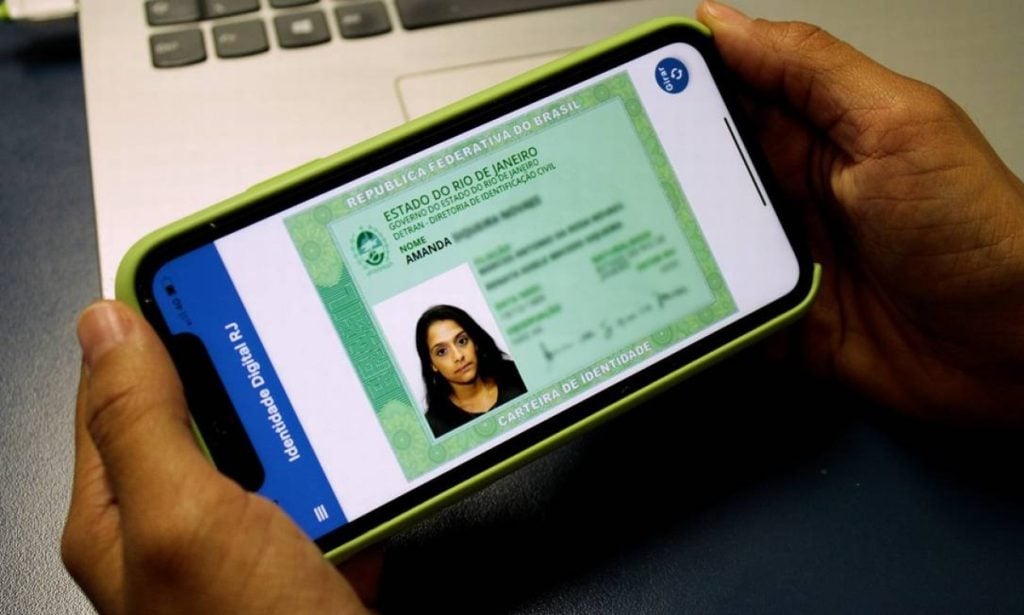
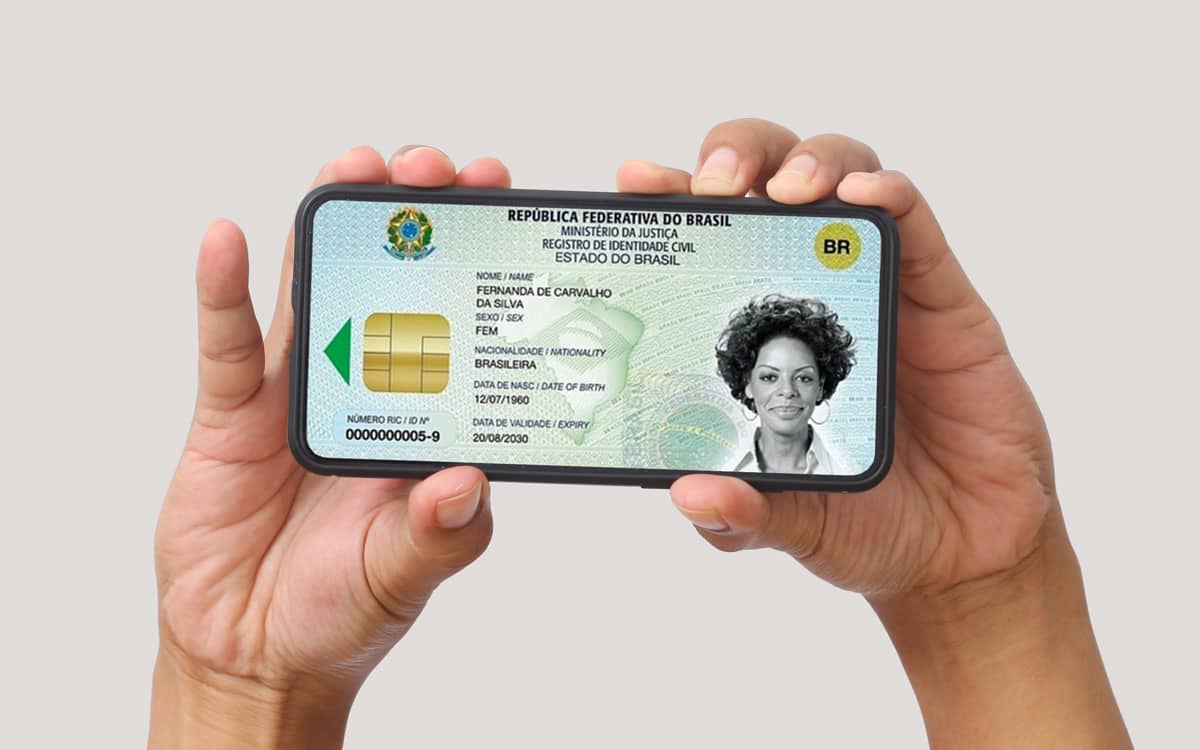
Now it's time to learn how to install the Digital ID on your cell phone. See our step-by-step guide below!
Step by step on how to download and install RG Digital
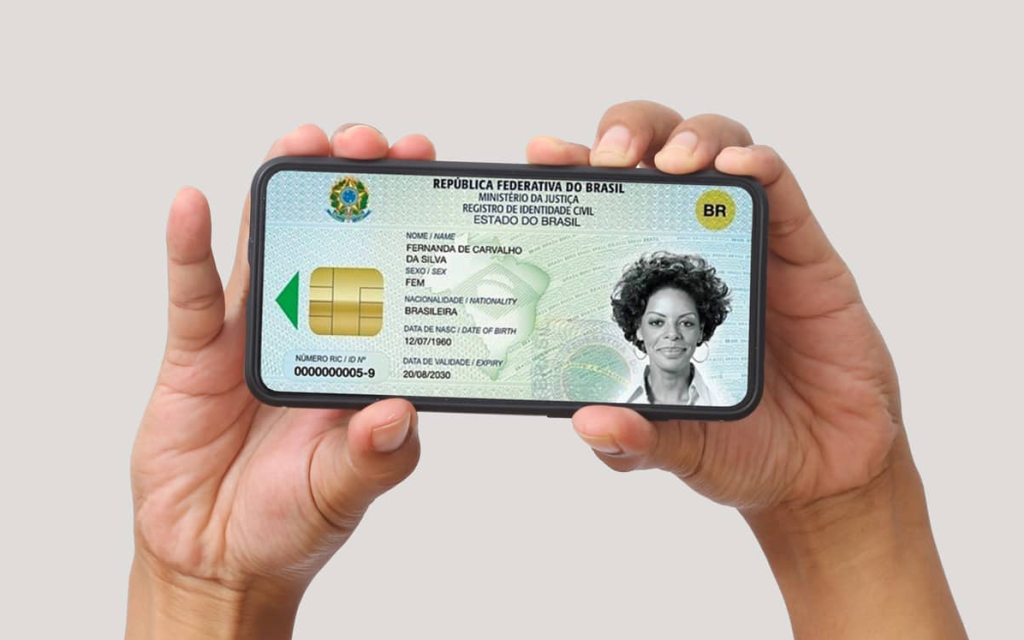
With your new RG document in hand, the procedure for obtaining your RG Digital version is very simple.
The RG Digital Online stored on your smartphone, issued directly by the Ricardo Gumbleton Daunt Identification Institute (IIRGD), being validated throughout the Brazilian territory.
Therefore, in a police approach, the presentation of the digital version of the document must be accepted as much as the physical document. The authority can even consult the document on their device.
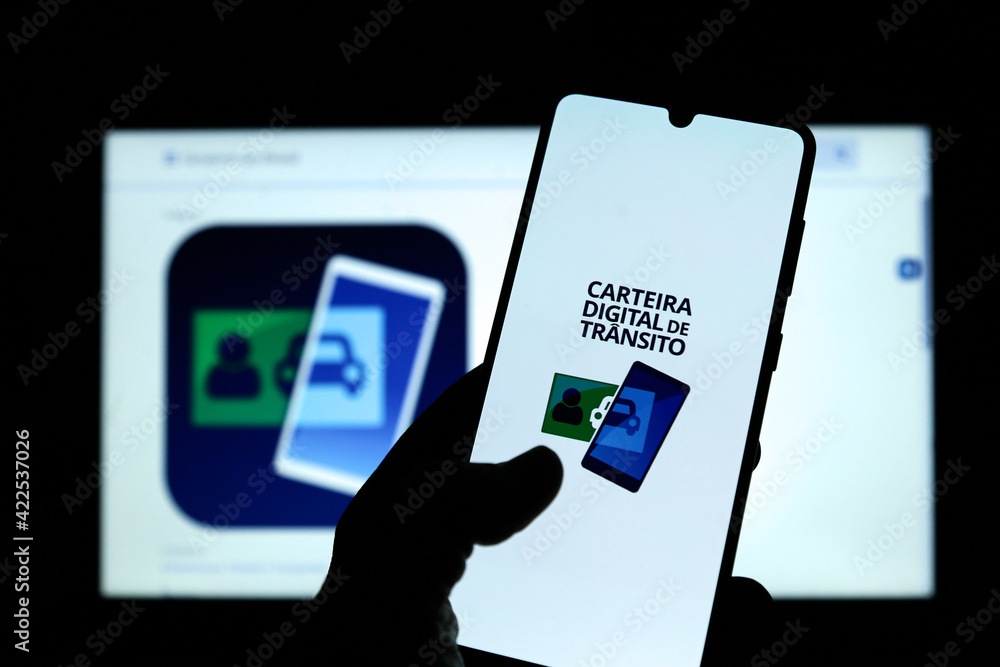
Download your Digital Driver's License
Check here the step by step to download your document and always have it at hand.
The app will direct the person to the “proof of life”, made using facial biometrics technology, collecting data from their face on the smartphone screen.
- Download the Digital RG (referring to your local state), open the application and select the “Add RG” button, to scan the QR Code located on the back of your physical document, following the steps indicated on the screen;
- Insert your RG number, counting the identifying digit, tap on “Request”. Then accept the terms of use and privacy policy;
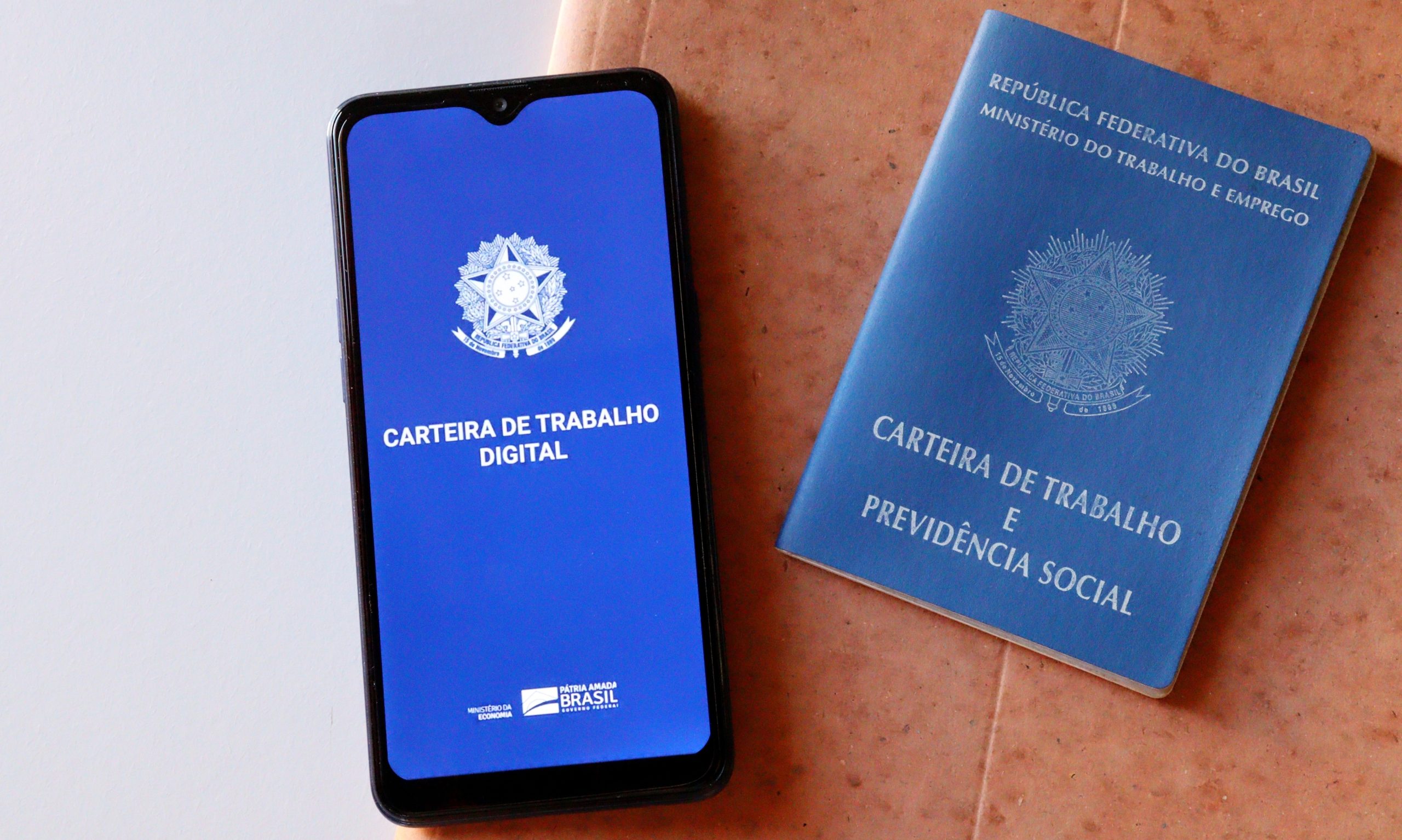
Download your Digital Work Card
Check here the step by step to download and access your document and always have it at hand.
- Click “Start Recognition” to start biometric verification. Follow all the instructions indicated in the app regarding the facial approach of the camera. It's being in a place with adequate lighting to facilitate the process;
- After recognition, create a four-digit password and repeat the sequence in the field below. It is also possible to enable the fingerprint reader, avoiding having to type the password in other accesses;
- Tap “view RG” to access the document added in the app. The RG can also be accessed from the home screen, tapping the “My Wallet” option.
If you liked the tips and have already learned how to download your RG Digital on your smartphone. We invite you to read our next content and have your CPF also on your cell phone! Check out.
Trending Topics

Discover this new dating platform and meet new people this #{weekday}
Friends can become Secret Crush and you can even meet online using this free dating app, without ads and subscription!
Continue lendo
How to Download the CCleaner App and Free Up Space on Your Phone
We'll teach you how to download and use the app in a few simple steps, with no complications at all. Check out!
Continue lendo
Holy Bible - Learn how to read online directly from your cell phone
Know that with the use of technology, with a cell phone and an application, you can have the Bible anywhere! Check out.
Continue lendoYou may also like

Discover the secrets to getting free diamonds in Free Fire
Find out how to get free diamonds in Free Fire with our valuable tips! See third-party apps and more!
Continue lendo
How to apply for Burger King jobs?
Want to know how to apply for available Burger King jobs? See tips to highlight your achievements and get ahead of your competitors.
Continue lendo
Is your cell phone slow? Meet excellent memory cleaning apps!
Find out how CCleaner, Norton Clean and Files by Google can optimize file management on Android devices.
Continue lendo


